> For the complete documentation index, see [llms.txt](https://magecomp-docs.gitbook.io/adobe-apps/llms.txt). Markdown versions of documentation pages are available by appending `.md` to page URLs; this page is available as [Markdown](https://magecomp-docs.gitbook.io/adobe-apps/documentation/google-indexing-adobe-app/upload-json-file.md).
# Upload JSON File
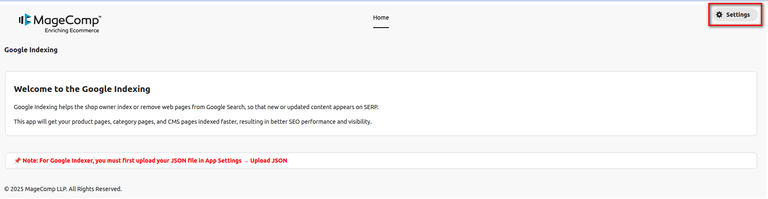
From the application home page, click on **Settings**.
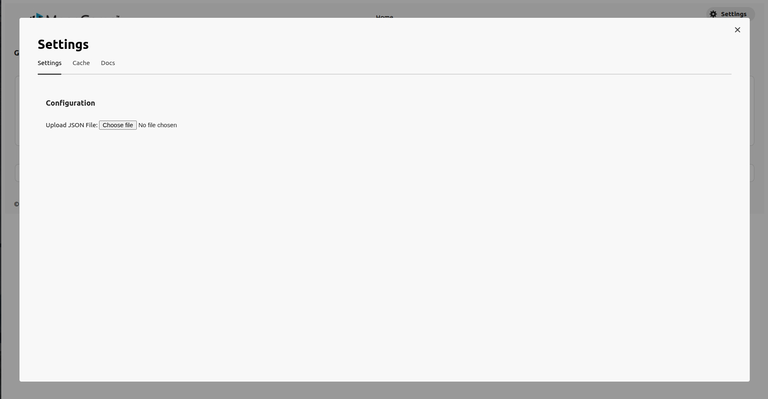
This will open a pop-up. In **Settings > Configuration**, click on **Choose file** to upload json file.
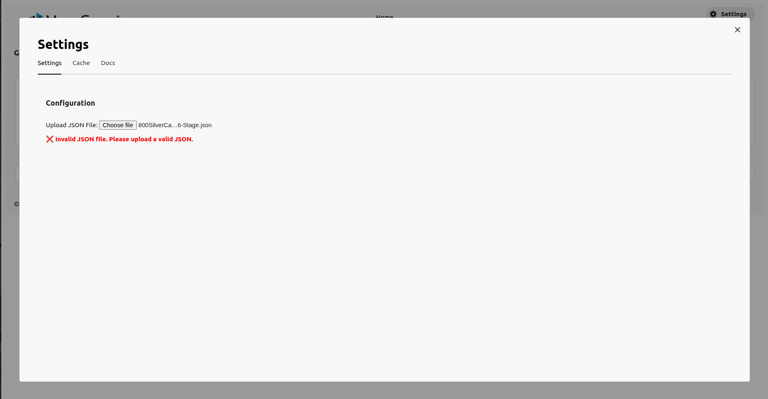
If the file is invalid, it will show an error message.
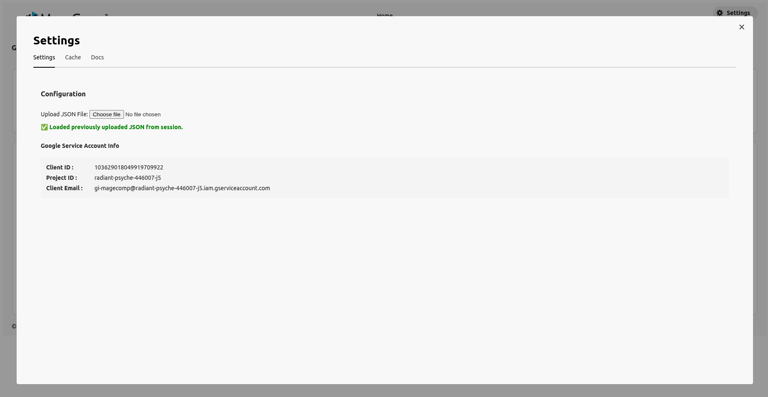
Once uploaded, it will show a success message.
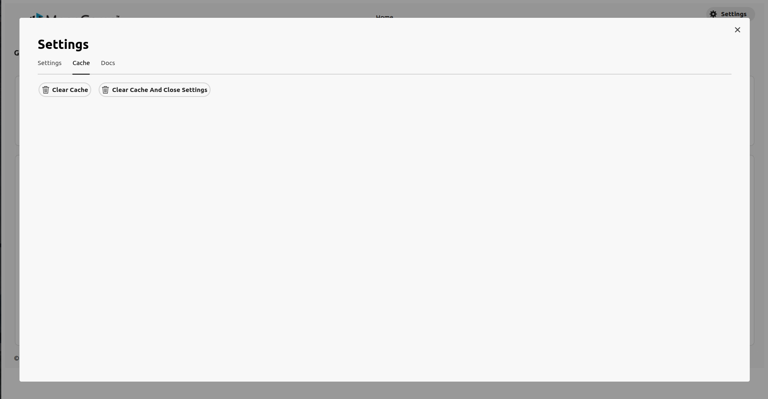
To delete the JSON file, click on the **Cache** tab and **Clear Cache**.